
-
1 Sign up
Name, email and password.
-
2 Awaiting approval
An administrator checks the new account.
-
3 Signed in
Your dashboard opens.
Sign up
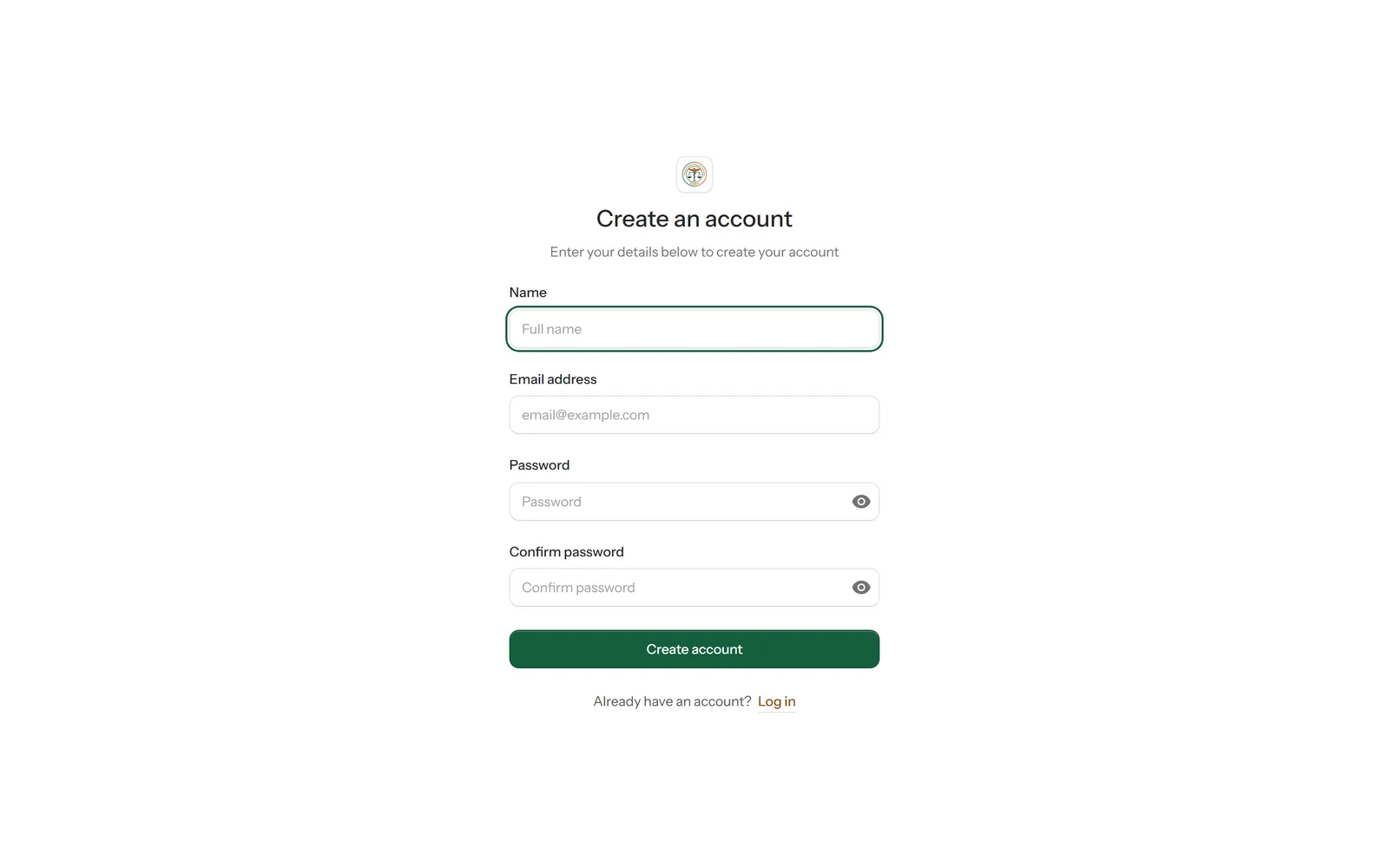
Open Sign In in the top bar, then choose Sign up. Enter your full name, email address and a password (twice), then select Create account.
 1
2
1
2
Wait for approval
An account created this way has to be approved by an administrator before you can use it. Until then, signing in shows this screen.
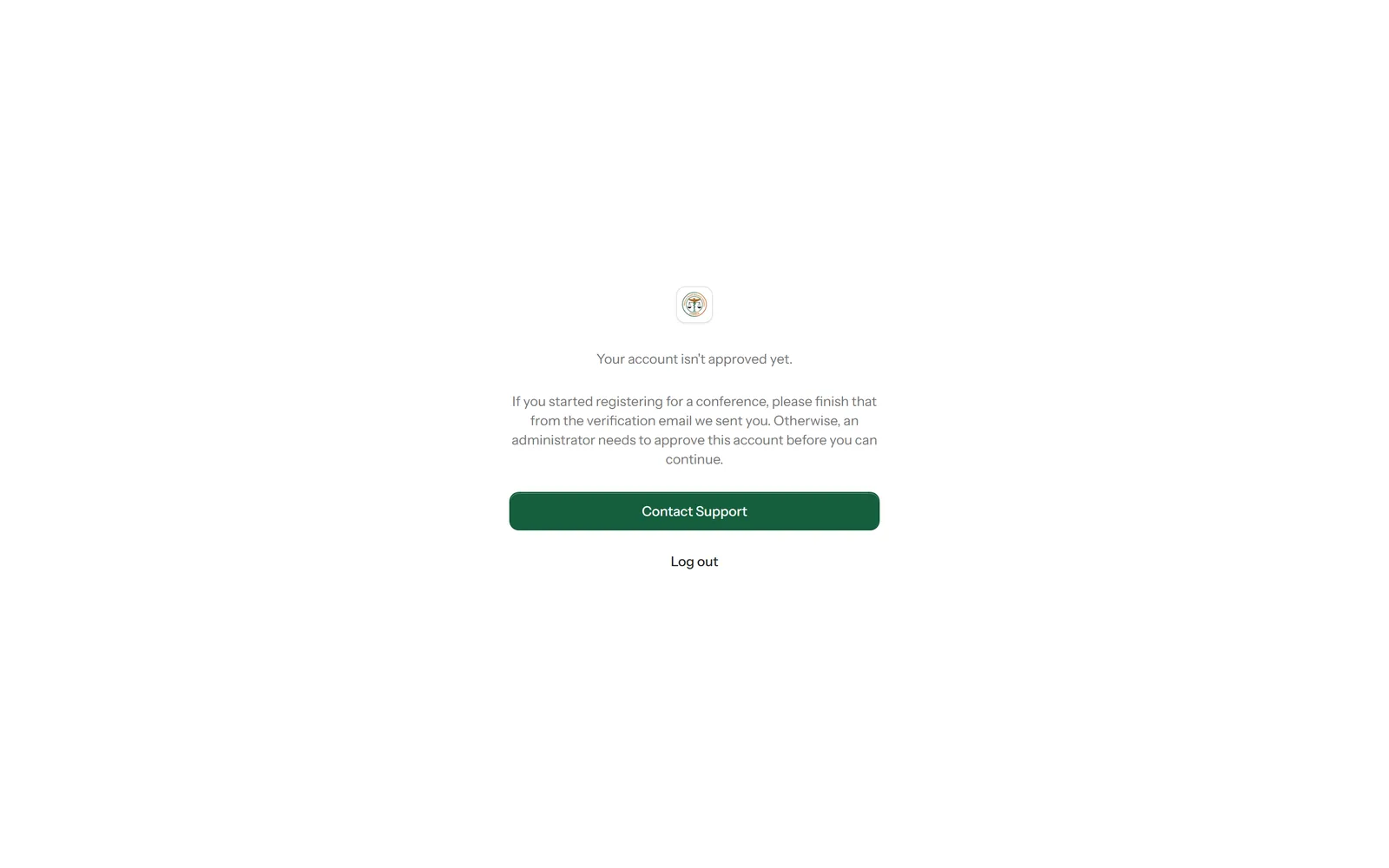
If you started registering for a conference, finish that from the verification email instead — that doesn't need an administrator.
Sign in
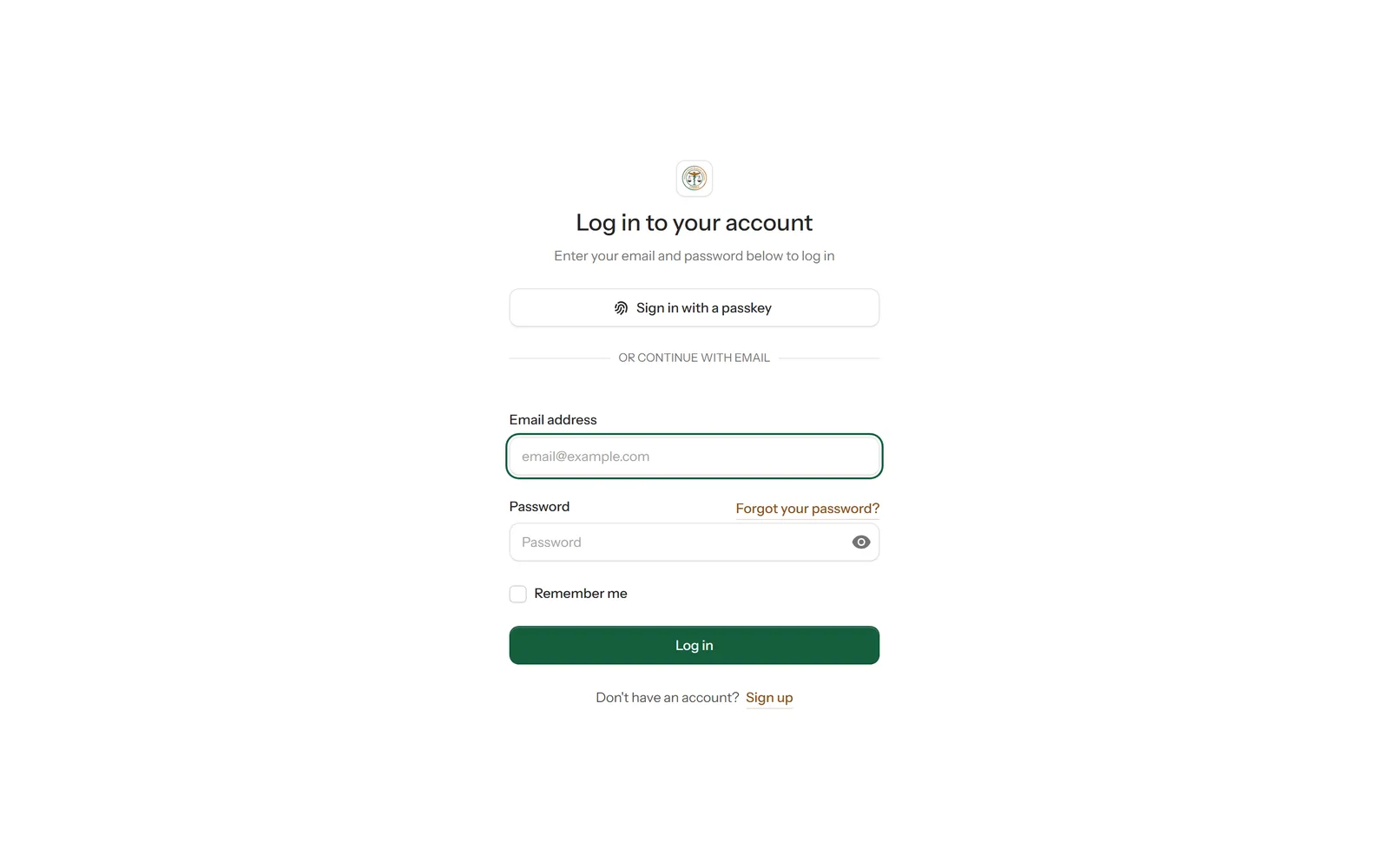
Enter your email address and password and select Log in. Tick Remember me on your own device to stay signed in.
 1
2
3
1
2
3
Forgotten your password? Select Forgot your password? and we'll email you a link to set a new one.
Find your way around your dashboard
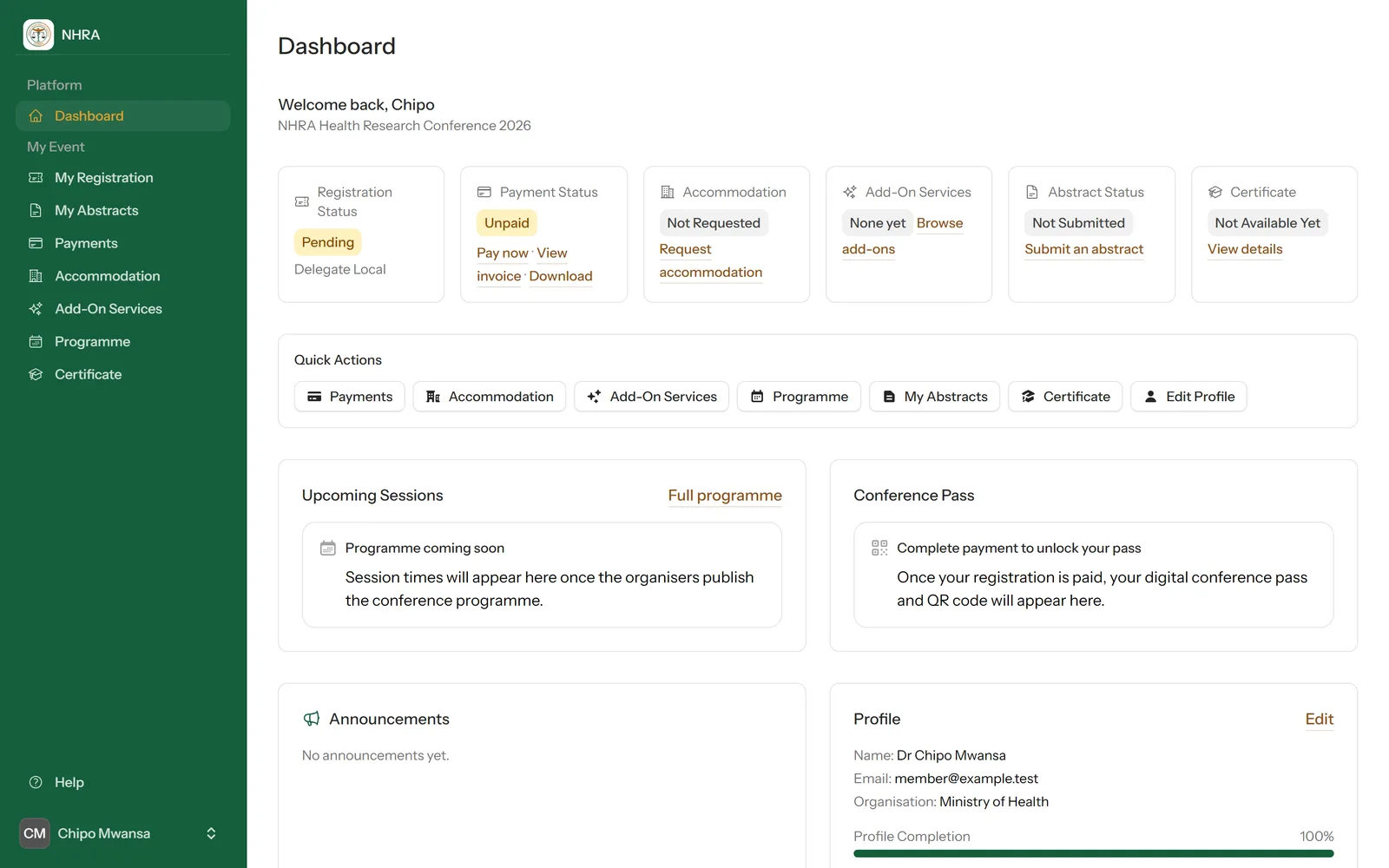
Your dashboard shows where your registration, payment, accommodation, abstract and certificate stand, with a link to the next thing to do on each card.
 1
2
3
1
2
3