
You can check a registration without signing in. You'll need the email address you registered with and your registration reference, which is in your registration emails and on the My Registration page once you're signed in.
1
Open Check Registration Status
Select Check Registration Status at the bottom of any page, or Already registered? Check your status on a conference page.
2
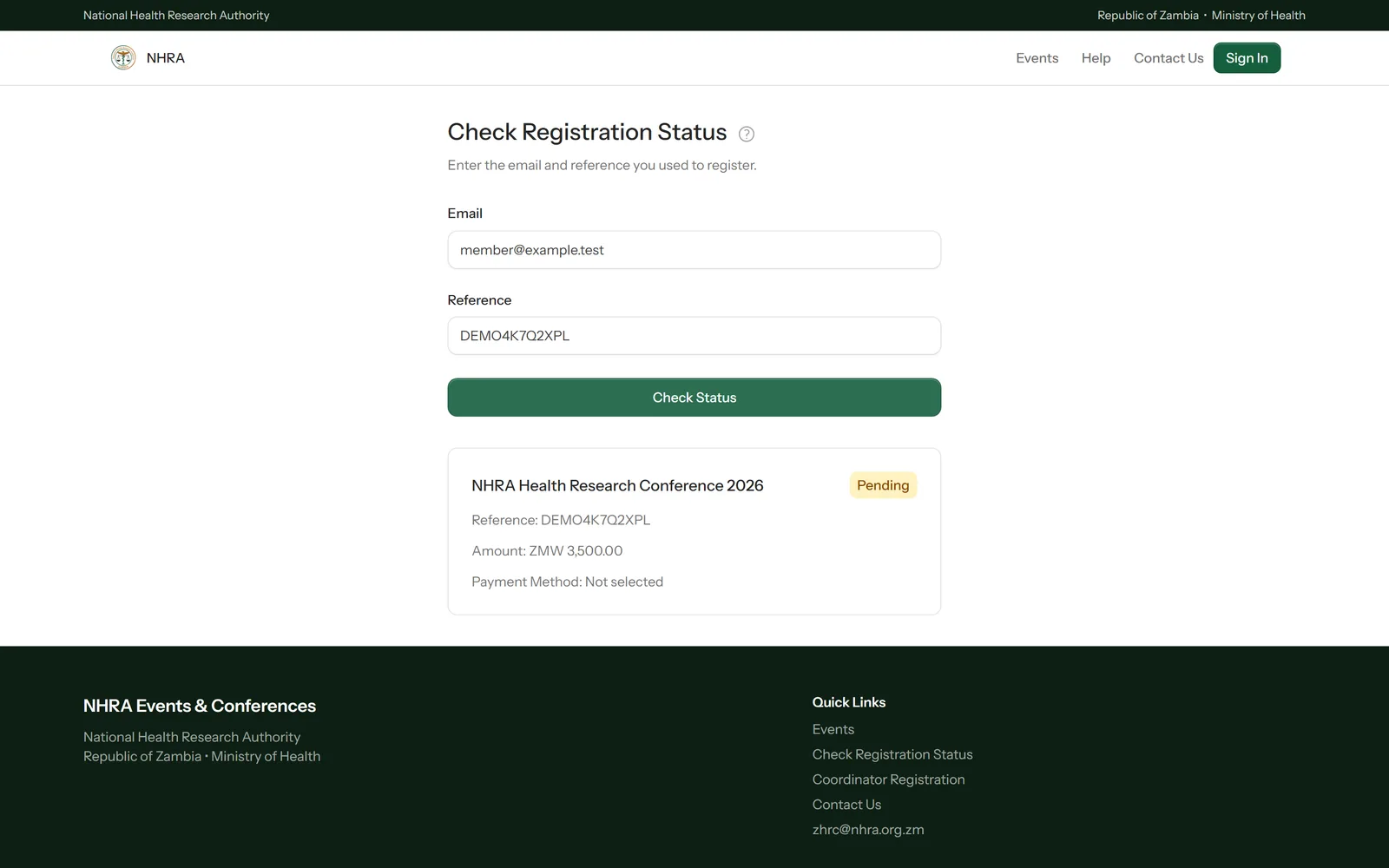
Enter your email and reference
Type both exactly as they were given to you and select Check Status.
 1
2
3
1
2
3
3
Read the result
The result shows the conference, your reference, the amount and how you've chosen to pay. Pending means we haven't received or confirmed your payment yet; Paid means you're registered.