
Accommodation is optional. The organisers arrange it on your behalf; you tell them what you need.
1
Open Accommodation
Sign in and select Accommodation in the sidebar, or Request accommodation on your dashboard.
2
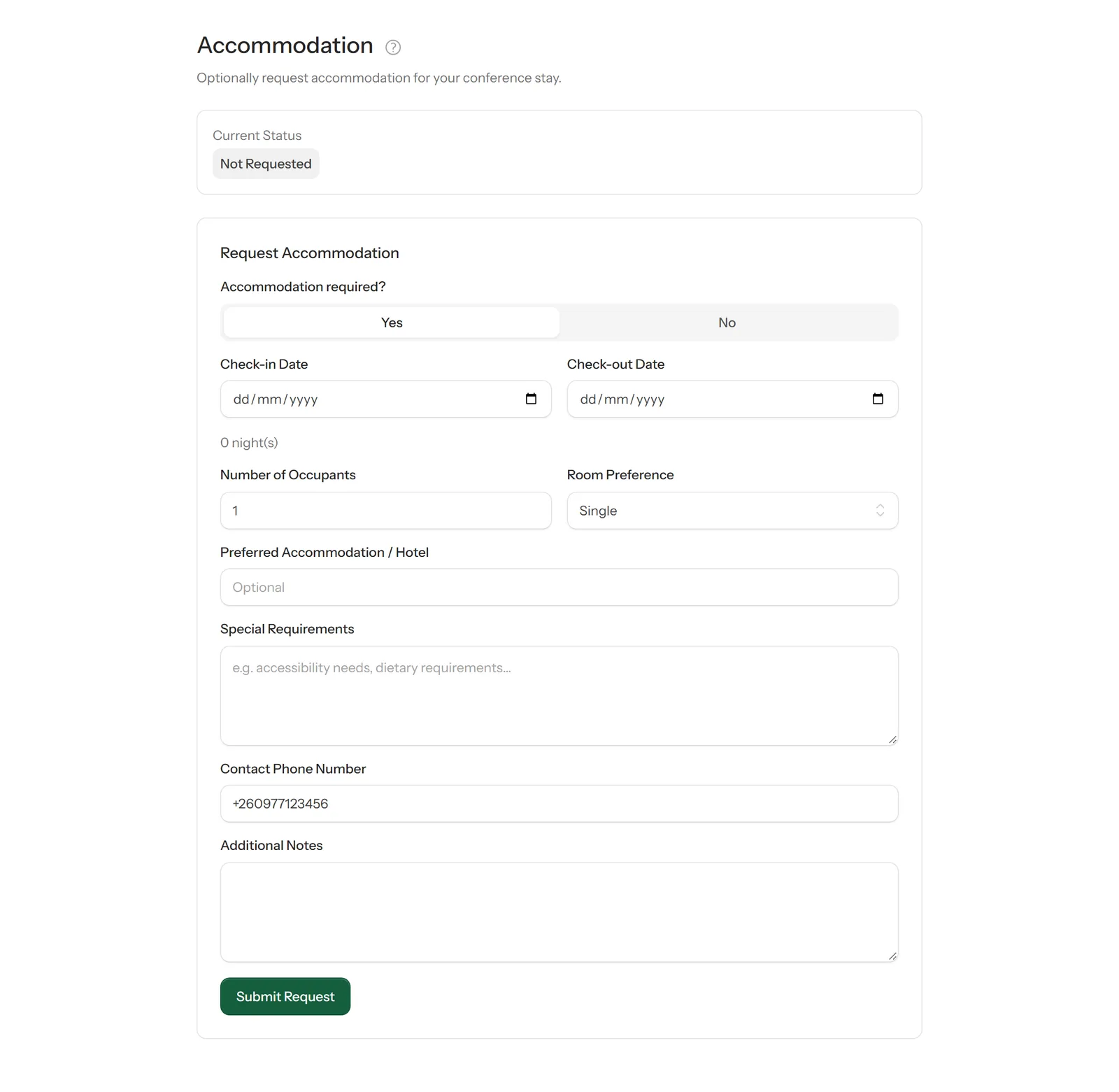
Fill in your request
Select Yes under Accommodation required?, then enter:
- your check-in and check-out dates — the number of nights is worked out for you
- how many people will stay, and the room type you'd prefer
- a preferred hotel, if you have one
- any special requirements, such as accessibility or dietary needs
- a phone number the organisers can reach you on
Select Submit Request.
3
Follow its progress
Current Status at the top of the page shows where your request stands. The organisers may confirm it, propose different dates or accommodation for you to accept, or decline it.
4
Change or cancel
Plans changed? Come back to this page to request a change or cancel your request.