
A coordinator registers a group — for example everyone attending from one ministry, university or company — and pays for them in one go. Each organisation can have up to three coordinators.
1
Open the coordinator form
Select Create Coordinator Account on any conference page, or Coordinator Registration at the bottom of any page.
2
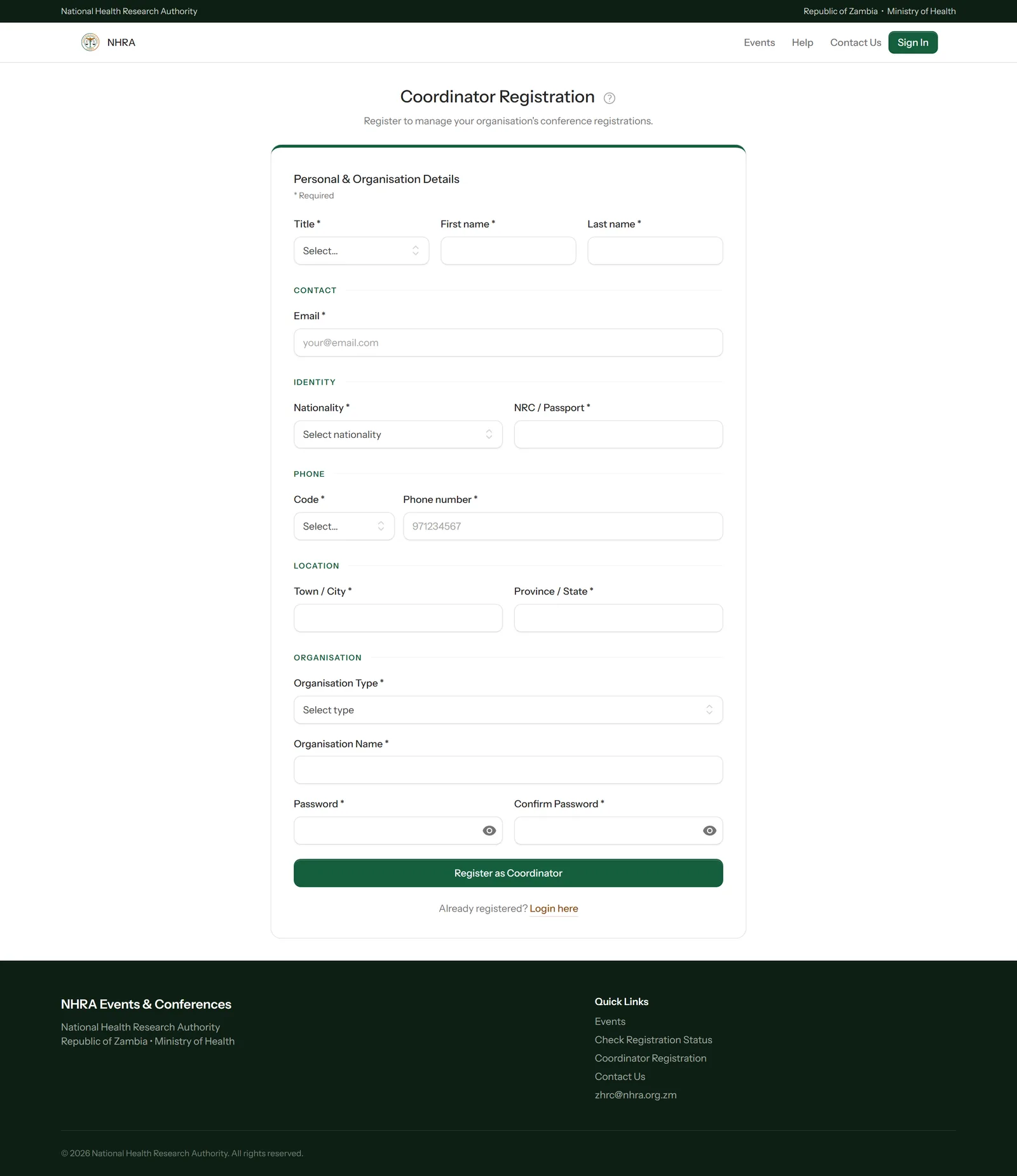
Fill in your details and your organisation's
Enter your own name, contact details, nationality and NRC or passport number, then your organisation's type and name, and choose a password.
 1
2
3
1
2
3
3
Register
Select Register as Coordinator. Your account is ready straight away and you're taken to your roster — next, build your roster.